Standard 3D (1999-2004)
Our software Standard 3D is designed in that way, that even less experienced users are able to work with it.
Often it is not sufficient to know that a hidden object has been located. For further preparations to recover these objects, the determination of the exact position and depth is necessary. Our 3D software allows treasure hunters to evaluate the detected objects prior to excavation.
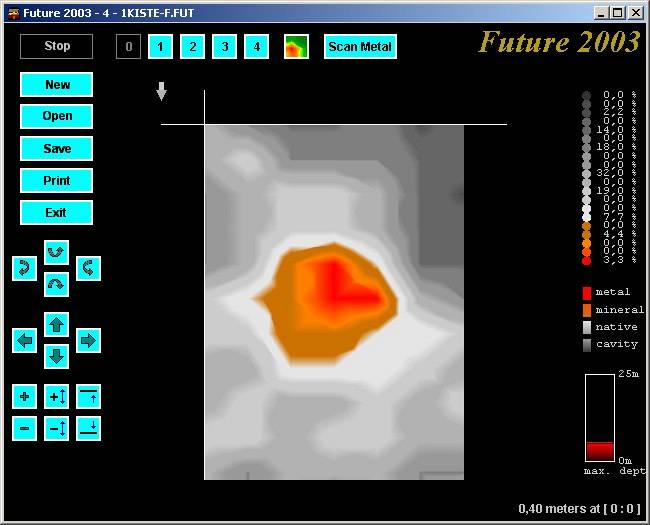
The Standard 3D software allows to create graphical measurements and evaluate these on a computer. In that way metals and cavities can be identified easily.
The following features are available in Standard 3D:
- 3D graphic
- Depth measurement
- Determination of position
- Manual correction of error signals
- Printout
- Variable wireframe representation
- Live picture (only with the devices Future 2005 and Future I-160)



Research Project: Real-Time 3D Visualization for Magnetic Field Sensors
In Altenburg, OKM is developing software for a new generation of its own magnetic field sensors: real-time data streaming and ...

Quick Scan Check: What's the difference between Measuring Value and Scan Value?
In this Quick Scan Check you learn the difference between Measuring Value and Scan Value in OKM’s Visualizer 3D Studio, ...

Quick Scan Check: How do I know if the 3D Ground Scan shows an iron object?
In this Quick Scan Check you learn how to identify metal objects in OKM 3D ground scans, understand red and ...